Tracking-Lite

Still Using Whiteboards to Track Equipment?

Tracking-Lite is the simplest way to move from pen and paper to a clean, digital workflow, no hardware required.


If you’re running a lean operation and want better visibility without investing in automated tracking, Tracking-Lite is your starting point. Digitize equipment check-in and check-out with QR tags and your existing iOS device (iPhone recommended).


Just a simple system that replaces clipboards, reduces admin back-and-forth, and creates a clear usage history for every job.


No beacons. No extra hardware. No complex rollout.


90 days free trial

Who Is Tracking-Lite For?

Tracking-Lite is built for scaling restoration teams that want better control without unnecessary overhead.

Small to mid-size restoration companies

Teams replacing spreadsheets or whiteboards

Owners and operations managers who need accurate documentation

Companies not ready for hardware-based tracking

Small to mid-size restoration companies

Teams replacing spreadsheets or whiteboards

Owners and operations managers who need accurate documentation

Companies not ready for hardware-based tracking

What Is Tracking-Lite?

Tracking-Lite is a QR-code based equipment tracking solution designed for restoration companies that want professional tracking without installing or maintaining tracking hardware.

Using simple QR scans from a mobile device, your team can track equipment as it moves between warehouses and job sites.
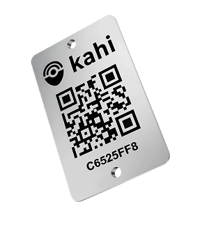
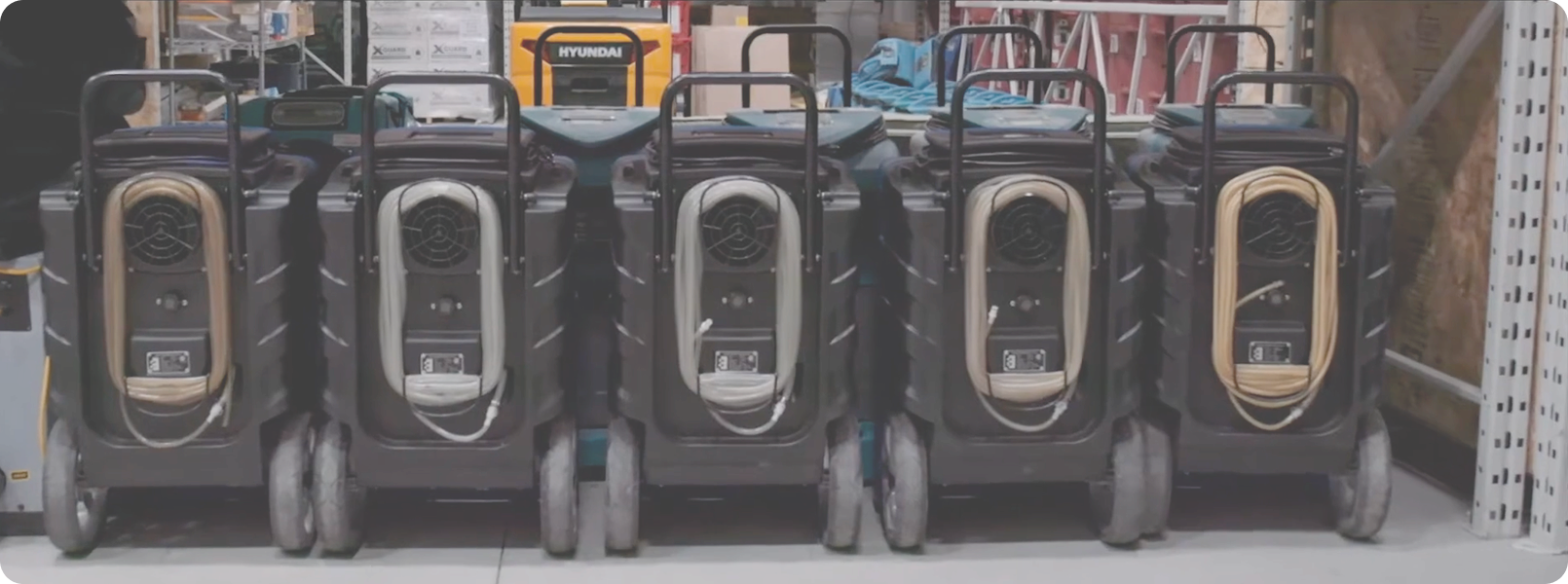
tag

What You Can Track

Tracking-Lite is built for scaling restoration teams that want better control without unnecessary overhead.

Tracking-Lite supports:

Warehouses

Equipment stored and ready

Job Sites

Equipment actively in use

Warehouses

Equipment stored and ready

Job Sites

Equipment actively in use

equipment

Vehicles and Trailers are not included

How it Works

lite1

Tag Your Equipment

Each asset is labeled with a Kahi QR inventory tag, creating a unique digital record.

We take care of new equipment for you with Kahi's Equipment Catalog..You just need to add your assets and get to work.

lite2

Scan in the Field

Technicians scan QR codes as equipment moves between warehouses and job sites using the Kahi Field App on an iPhone.

lite3

Get Clear Records

Managers see where equipment is, how long it was used, and which job it supported, all from the Back Office Application.

Why Restorers Choose Tracking-Lite

Simple setup

No tracking hardware to install or maintain

QR-code based scanning with iPhone

Accurate job documentation for claims

Clear equipment availability

Transition to automated tracking as your business grows.

Reporting & Documentation

Tracking-Lite provides straightforward reports that help you:
Screenshot 2026-02-09 at 4.56.34 PM 1


See which assets were used on each job

Understand how long equipment was deployed

Maintain accurate records for insurance and audits

Job Site Activity

Asset Availability

Warehouse Inventory

Asset Summary

Plans That Grow With You

90 day free trial

Tracking-Lite

$200/m

Perfect for getting started.

Track unlimited pieces of equipment

Job site and warehouse visibility

Integrations included


Add-on

Add Remote Monitoring

+$250/m

For complete visibility into both equipment and job site conditions.

Integrates fully with Tracking Lite

Environmental data (Temperature, RH, GPP)

Material Moisture Monitoring (coming soon)


Explore More with Kahi

As your operation grows, Kahi offers additional solutions you can explore when you’re ready:

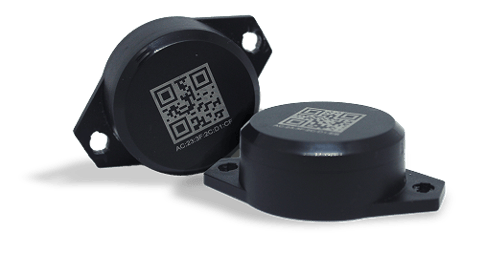
Kahi Tracking Pro

Automated, hardware-based equipment tracking for full fleet visibility.
beacons 1


Remote Field Monitoring

Monitor job site conditions and gain real-time insights alongside equipment tracking.
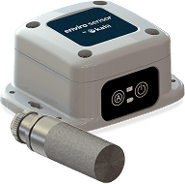

sensor


Start 90-day free trial


1

Fill out the sign-up form.


2

Confirm your email.


3

Enter your payment details to activate your free trial.


Frequently Asked Questions

Do I need to contact Kahi to access this plan or feature?

No. You can get started using our user-friendly self-serve onboarding flow and enable it directly in the system.

Do I need special hardware?

No tracking hardware is required. Although Tracking-Lite uses QR codes and iPhones for scanning. Each piece of equipment must be labeled with an Inventory Tag containing a unique QR code (sold separately).

What device do I need?

The Kahi Field App runs on iOS devices (iPhone recommended), which is used to scan QR codes and manage equipment movements in the field.

Can this be used for insurance documentation?

Yes. Tracking-Lite records which assets were used on each job and for how long, helping support accurate documentation and faster claim processing.

Does Tracking-Lite include integrations?

Yes. Tracking-Lite includes standard integrations with platforms such as Albi and Encircle.

Can I upgrade later?

Absolutely. Tracking-Lite is designed to grow with your business — upgrade only when it makes sense.